Convert your course Adobe PDF
With the Publizr page flip publisher you can turn your Adobe PDF to a digital course in a snap. Your web flipping book can be viewed in a stylish reader on desktops.
Learn more >
Do you want to publish your courses in a stimulating way on your site or social media? Even if you have pretty courses you will not activate your visitors if you publish a static PDF edition on your site or social media. A Adobe PDF also has to be downloaded in full before it opens!
Publizr offers the most intuitive page flip publisher to turn your Adobe PDF into a stimulating page flip online course that opens immediately. In no time you can embed an online flipping book and activate your visitors with an interactive experience with the smoothest-turning pages and functionality not available in your paper version edition. For example, hyperlinks and internal links, including links to your online store. By publishing a responsive online edition of your course on your site or social media, your page flip online course is always available for your visitors, viewable on desktops. Online course publishing made easy! You can even publish Adobe PDFs for FREE!
With the Publizr page flip publisher you can turn your Adobe PDF to a digital course in a snap. Your web flipping book can be viewed in a stylish reader on desktops.
Learn more >
Turn your PDF into an stimulating page flip online course by adding URL and page links, such as links to your web store and YouTube videos. No technical skills required, done within minutes!
Learn more >
With the interactive online course page flip publisher you will offer your visitors razor sharp display quality. Your flipping books will be shared frequently.
Learn more >
Unrivalled display qualityActivate your visitors with unrivalled, vector based display quality. Text and illustrations are shown razor sharp, even with pages zoomed in. 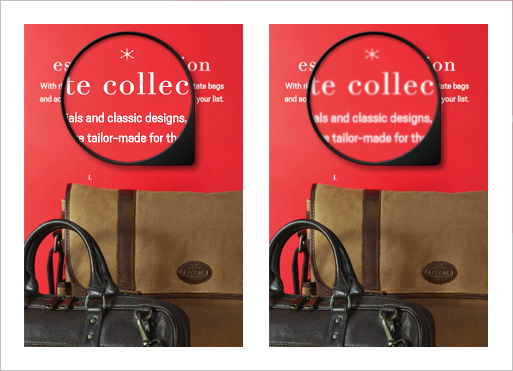
|
Stimulating experienceYour visitors will love the smooth-turning pages as well as the stimulating flip effect when they are browsing several pages at once. 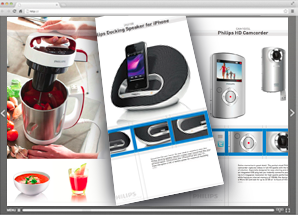
|
Strikingly stylish menuThe awesome menu results in a pleasant reading experience. Due to the clean reader your page flip online course stands out. 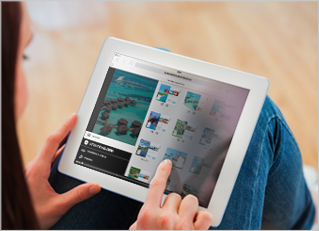
|
Just upload your PDFIt only takes a few minutes to turn your Adobe PDF into a digital course. With all hyperlinks and email addresses made clickable for you! 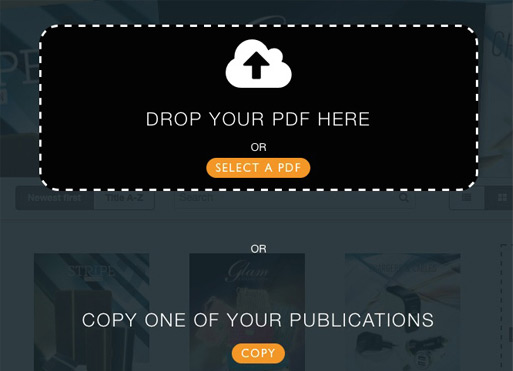
|
Link EditorWith the intuitive editor you can drag & drop links frames onto pages to add interactivity. Frames can be aligned easily with the snap feature. 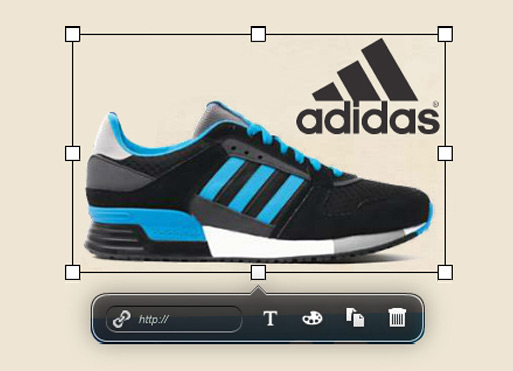
|
Mobile and desktopsNo need for expensive apps. Your course can immediately be viewed in the mobile browser, optimized for iOS and Android. 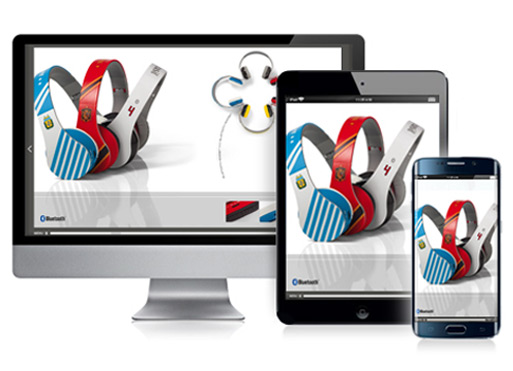
|
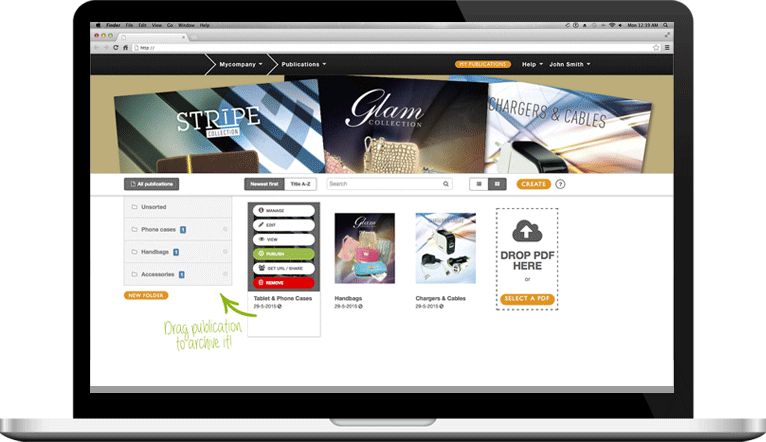
Publizr is trusted by many smart businesses. Our clientele range from small companies to multinational corporations. They have one thing in common: they want to turn their static Adobe PDFs into stimulating page flip online courses that open instantly and can be viewed on desktops. Due to its unrivalled quality and stimulating reading experience, Publizr has proven to offer all types of businesses valuable advantages, converting vistors into clientele.
With the intuitive Publizr Adobe PDF page flip publisher all kinds of online publications can be embedded: online magazines, digital catalogs, interactive online brochures, flipping books, online newspapers, journals, flyers, pamphlets, lookbooks and more. View some examples and be inspired! Create your free account and start embedding page flip online courses with our intuitive page flip publisher yourself as well!








Self embedding page flip online courses is easy with our Adobe PDF page flip publisher! You can keep your flipping books online as long as needed. All online publications include unlimited bandwith and software updates and you don't need a web host.
First, create a free account without having to enter your credit card details. Next, you can convert your Adobe PDFs and embed as many flipping books as you want, making use of all Publizr features. You can publish page flip online courses on your site or social media and remove publications whenever you like. At the end of the 14-day free trial period you choose which plan is right for you. You can continue with the free plan as well.